
01
Join the routine without learning it
You know the clip. You just have not learned the steps. The AI dance generator gives your photo a role in that choreography, without asking you to film yourself dancing.
Choose a dance, add the photos requested for its roles and create your own version.
Creations from this workspace appear here.
AI dance templates provide a prepared motion reference for a dance video. Browse the dance collection, choose a template and add the photos requested for its roles. For movements that involve the whole body, use a photo with the relevant body parts visible. Review the generated video for feet, hands and changes between poses. Use your own dance reference in the motion workspace.
Choose a dance template, upload your photos, and generate a video. Previewing and loading a template does not submit a generation or spend credits.
Step 1
Preview a dance in the collection.
Step 2
Select it and add the required photos.
Step 3
Review the available mode and credit estimate. Generate and check the movement in your result.
Try a routine yourself, make a duet with a friend, or give your pet a turn. The AI dance generator lets you join the choreography with photos instead of a filmed performance.
01
You know the clip. You just have not learned the steps. The AI dance generator gives your photo a role in that choreography, without asking you to film yourself dancing.
02
Choose a duet or group template for a shared joke, a birthday message, or a playful reply. The AI dance generator gives each supported dancer a separate photo slot; invite people who are happy to join in.
03
Try the routine with yourself, a friend, or your pet. The AI dance generator starts from a performance you can preview, so you can choose the mood before making a clip for your story or feed.
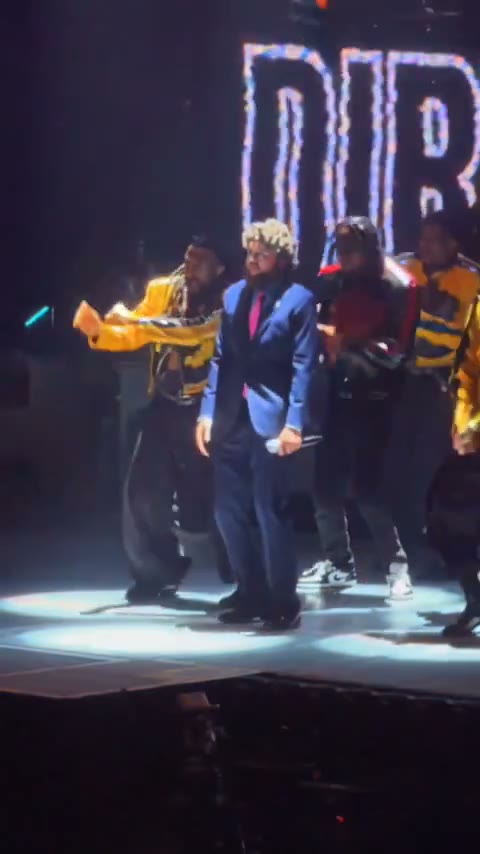
Choose a solo routine, a group performance, or a pet dance. These community videos show examples of the dances available.
01
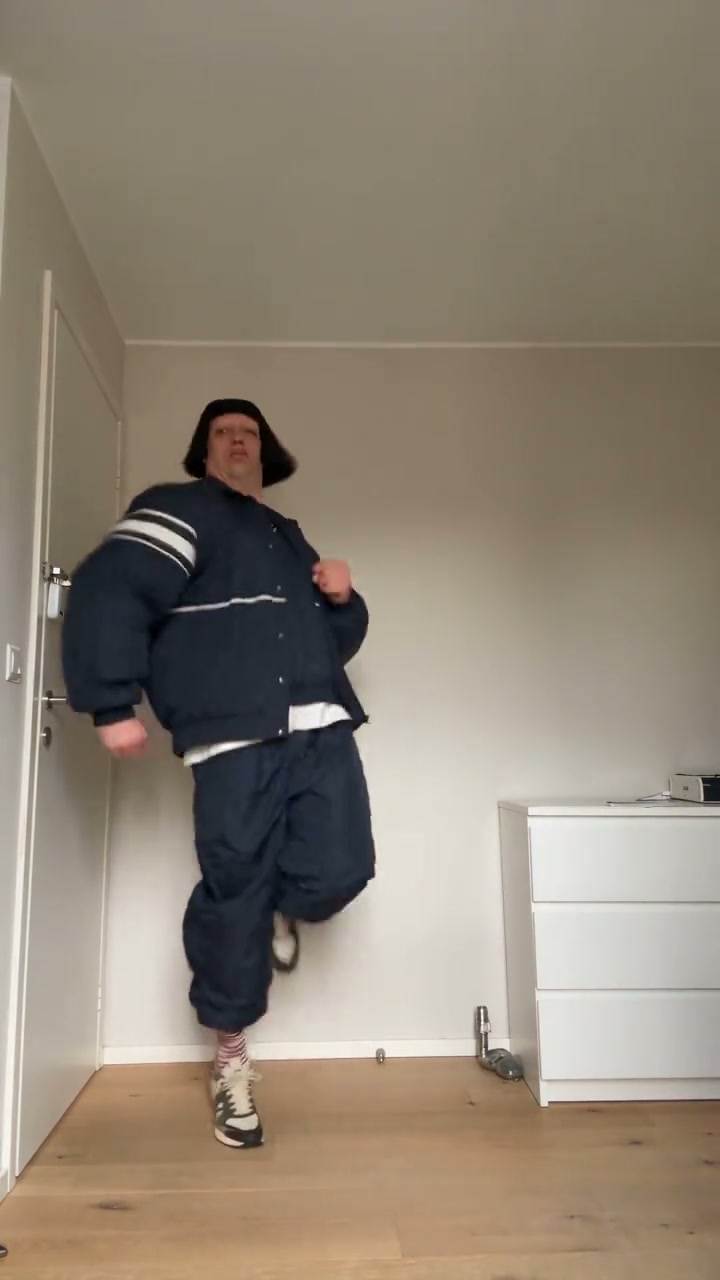
Make the routine about you. A solo template such as Jean Phil lets you bring your own look into the dance, ready for a playful profile post or a message to someone who knows you. The AI dance generator uses your photo to guide the character’s face, hair, and clothes.
02
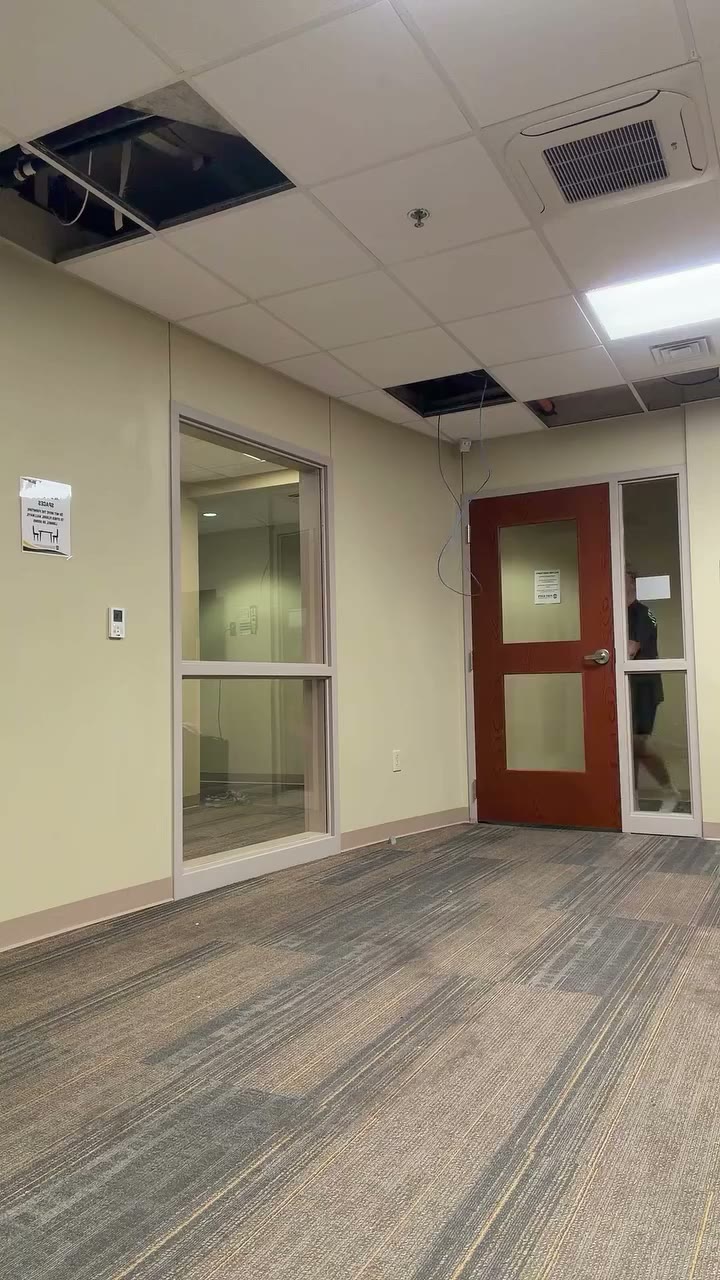
Give a familiar group an unexpected entrance. Hallway Dance has separate roles for the cast, so you can prepare a photo for each friend or family member who wants to take part. The AI dance generator shows the required slots after you select the template.
03
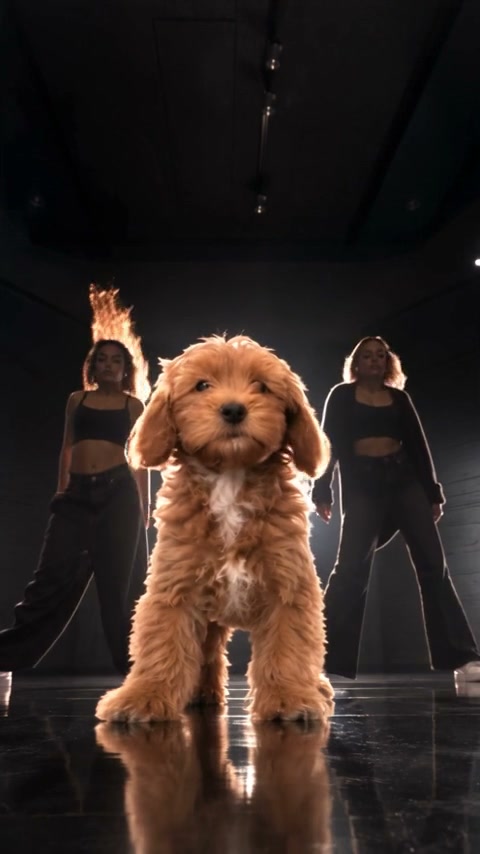
Your pet already gives you plenty to share. Put A Ring On It Dog adds a dance to the mix. Choose a pet-compatible routine in the AI dance generator, then make a clip for the people who know your pet best.
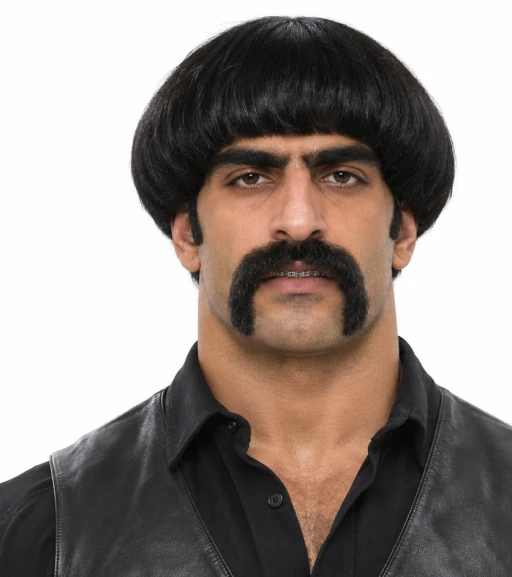
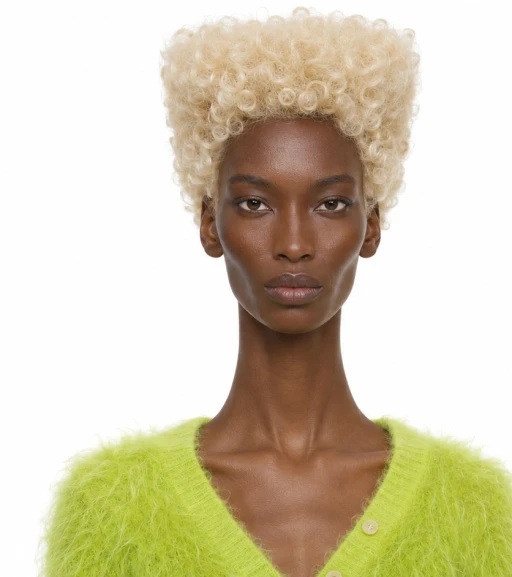
Give the AI dance generator a clear view of each dancer. These AI-created photo illustrations show framing and separate uploads; the community videos are independent examples.
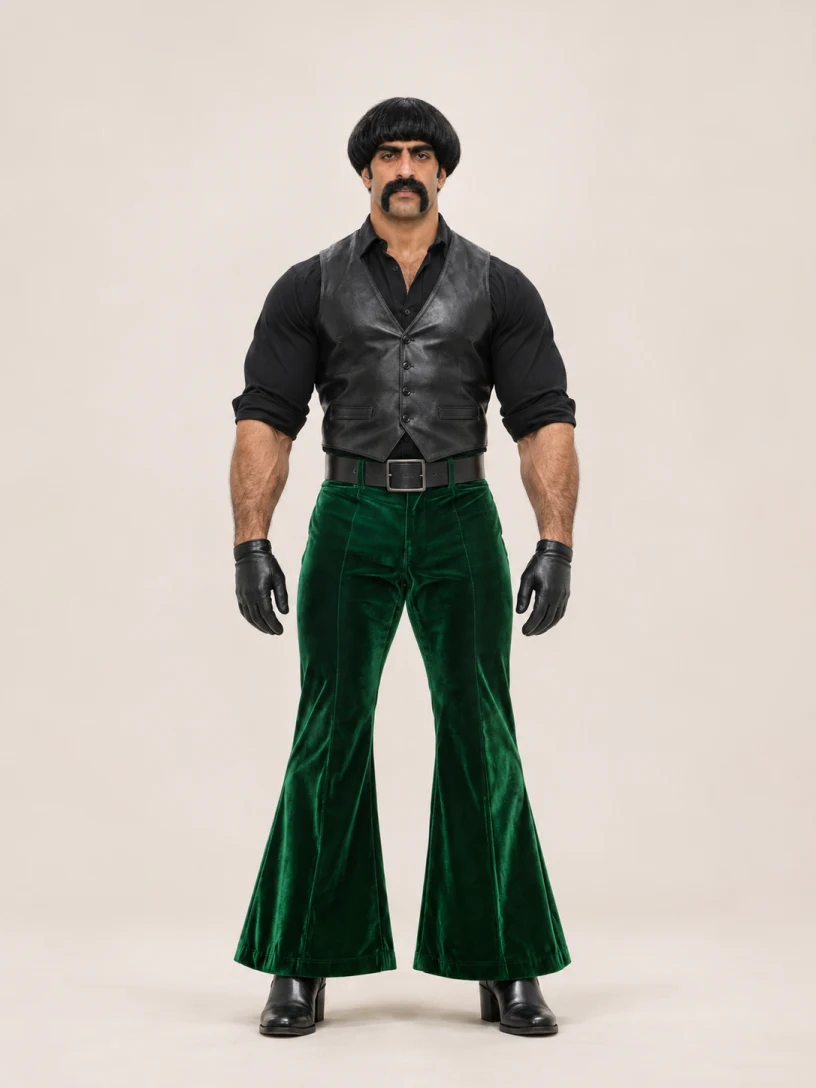
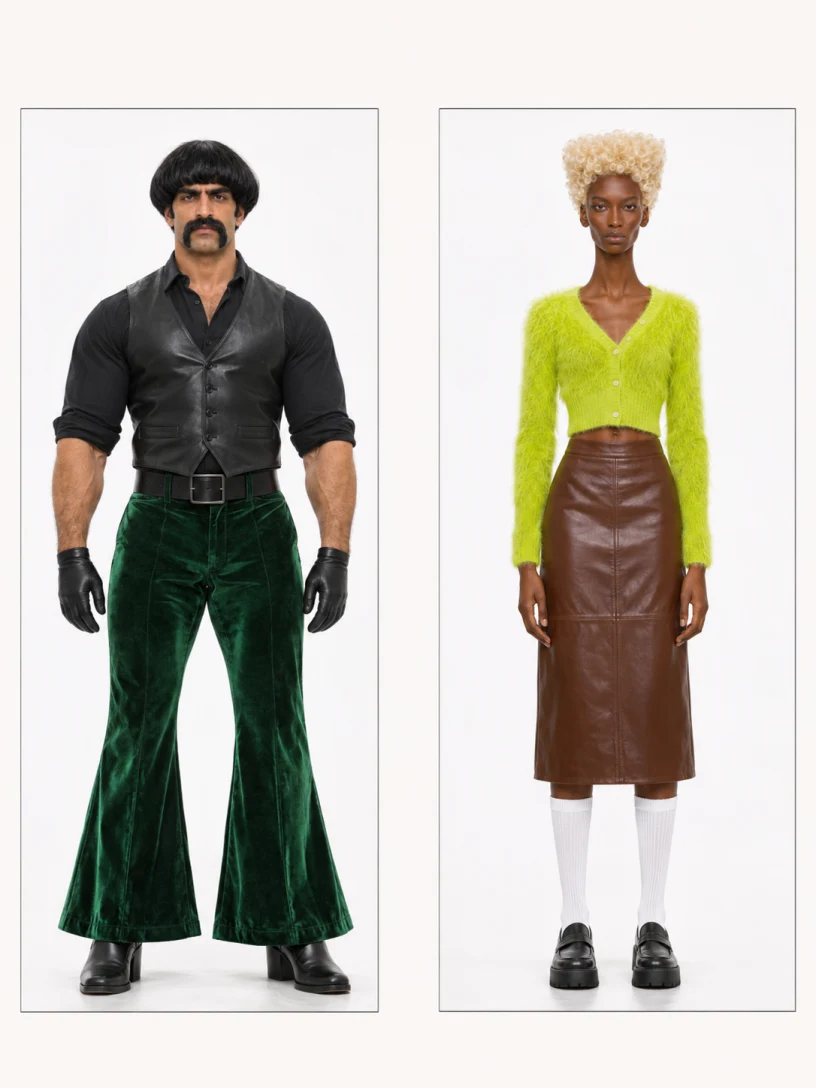
For a full-body routine, show the face, arms, legs, and shoes. That gives the AI dance generator more of your look to work with. Match the crop to the chosen dance; an upper-body performance can use a closer photo.
Better fit
Harder to use
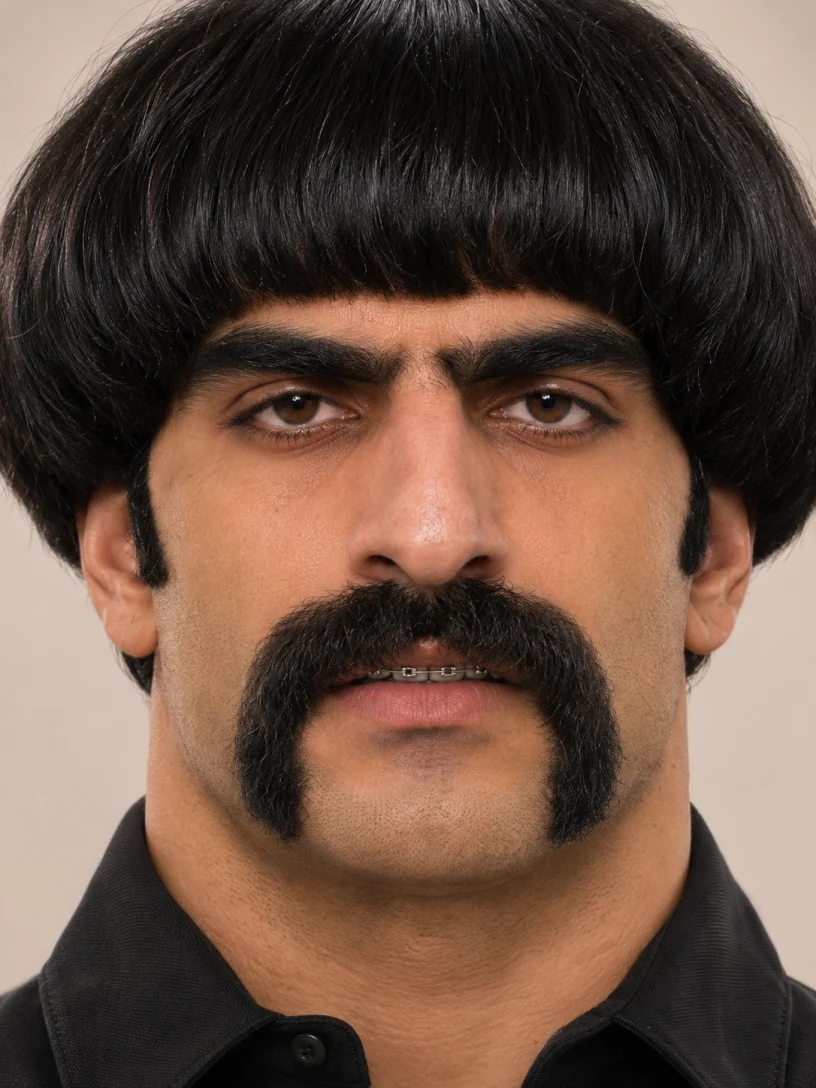
For a duet or group, give each person a separate labeled upload in the AI dance generator. The two portraits below represent two uploads; keep them separate.
Better fit
Harder to use
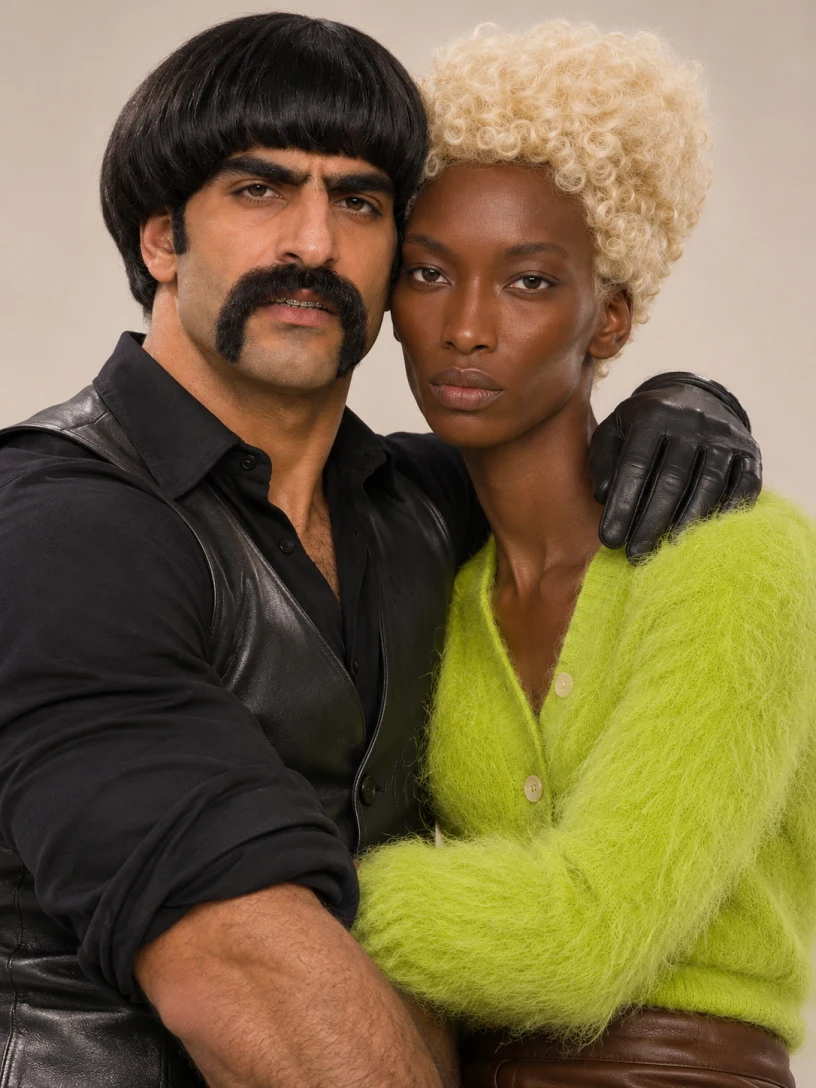
Use photos you have permission to animate. For a pet dance, show the pet’s face and the body parts involved in the movement. The selected template tells you which subjects and photo slots it supports.
Choose the routine, prepare the subjects and check the finished movement before sharing.
Preview the AI dance from its opening pose to the ending. Notice camera moves, fast turns and moments when a dancer is hidden. A straightforward solo makes it easier to inspect one character; a crowded sequence introduces more interactions. Choose the mood and movement first, then load the template to see its available photo roles.
For a full-body AI dance, choose a clear image that shows the face, outfit, arms, legs and shoes where possible. A close crop may suit a performance framed around the face and shoulders. Leave some space around the subject and avoid heavy blur. The model can still change clothing or body details during the generated movement.
An AI dance template may request one photo or several separate images for its cast. Read the labels, fill the required roles and review any optional ones. For a pet, choose a scene designed for an animal and use a clear picture. Only animate photos you have permission to use, including images of other people.
Before submitting an AI dance, review the selected mode and estimated credits. Available duration, output settings and sound depend on the template or model. Listen to the preview when audio is available and check the finished clip rather than assuming it has the same soundtrack or timing. Confirm your rights to any media before publishing elsewhere.
Play the entire AI dance and inspect the face during turns, hand contact, foot placement and changes in clothing. If the result looks inconsistent, try a clearer photo or a simpler routine, then compare the next output. Each generation is a separate submission, so check its displayed estimate before trying again.
The dance collection supplies prepared performances. If you want to work from another motion video, open the linked motion workspace and choose a compatible model. Check its video requirements and use a clip you have permission to upload. Your AI dance result will depend on the reference, photo and model, and may differ from the source movement.
What to know before you create.
Choose a clear photo with the face and body parts needed for the selected dance visible.
Yes. The selected dance shows its required and optional photo roles.
Choose another dance template, or use the AI video workspace to upload your own motion reference with a compatible model.
Yes. Previewing a template does not submit a generation. Select the dance to see its photo roles and estimated cost.
Browse the available dance and pet trends and select a template designed for an animal. Its workspace shows which photo roles to fill.
The reference guides the movement, but results vary with the photos, model and settings. Check the finished clip for changes in faces, hands, feet and clothing.
Watch the preview and compare the framing with the image you plan to use. A full-body routine benefits from a reference that shows the character and outfit, while a close performance may work with a tighter crop. Load the AI dance template to check its roles and settings before submitting.
Yes. Create an AI influencer character sheet on the homepage, then select a compatible character image for a role in your chosen template. Some dances require additional photos. The generated character may change during the AI dance, so review the full result for facial, clothing and movement details.
Audio controls depend on the selected template or model. A prepared dance may have its own audio behavior and may not offer a separate song upload. Preview and check the available settings, then listen to the result. Make sure you have permission to use any audio before you share a video elsewhere.
Choose a dance, add the photos requested for its roles and create your own version.